


Side-by-side comparison
Several proposals sent in separate messages are hard to compare.
The options for one question sit side by side: photo, manufacturer, code, unit price and total amount.
An imprecise decision means returned goods, an extra cost or a postponed deadline. The decision centre records which option the client approved and when.
CHALLENGESOLUTIONRESULT
Several proposals sent in separate messages are hard to compare.
The options for one question sit side by side: photo, manufacturer, code, unit price and total amount.A product with a long lead time, chosen at the last minute, halts the work.
An option has a delivery time in days and an impact on the project deadline.After a few weeks, nobody remembers who approved the change, or at what price.
Approval, change requests and comments stay in the decision history.A decision is assigned to a project and a room, and has a category, a budget and a deadline. Its status is visible on the project card, in the decision centre and in the client portal.
Some features require an add-on module: Client portal (PLN 79 net/month).
See module pricingPROJECTINTERIORTEAMCLIENT
A decision card contains a question for the client and options: photo, manufacturer, code, description, unit price, total amount, delivery time and impact on the deadline. The option recommended by the company is marked.

The decision centre gathers choices from all projects: awaiting the client, to be changed, approved and overdue. Filters for status, category and project, plus search, help you prepare a conversation with the client.
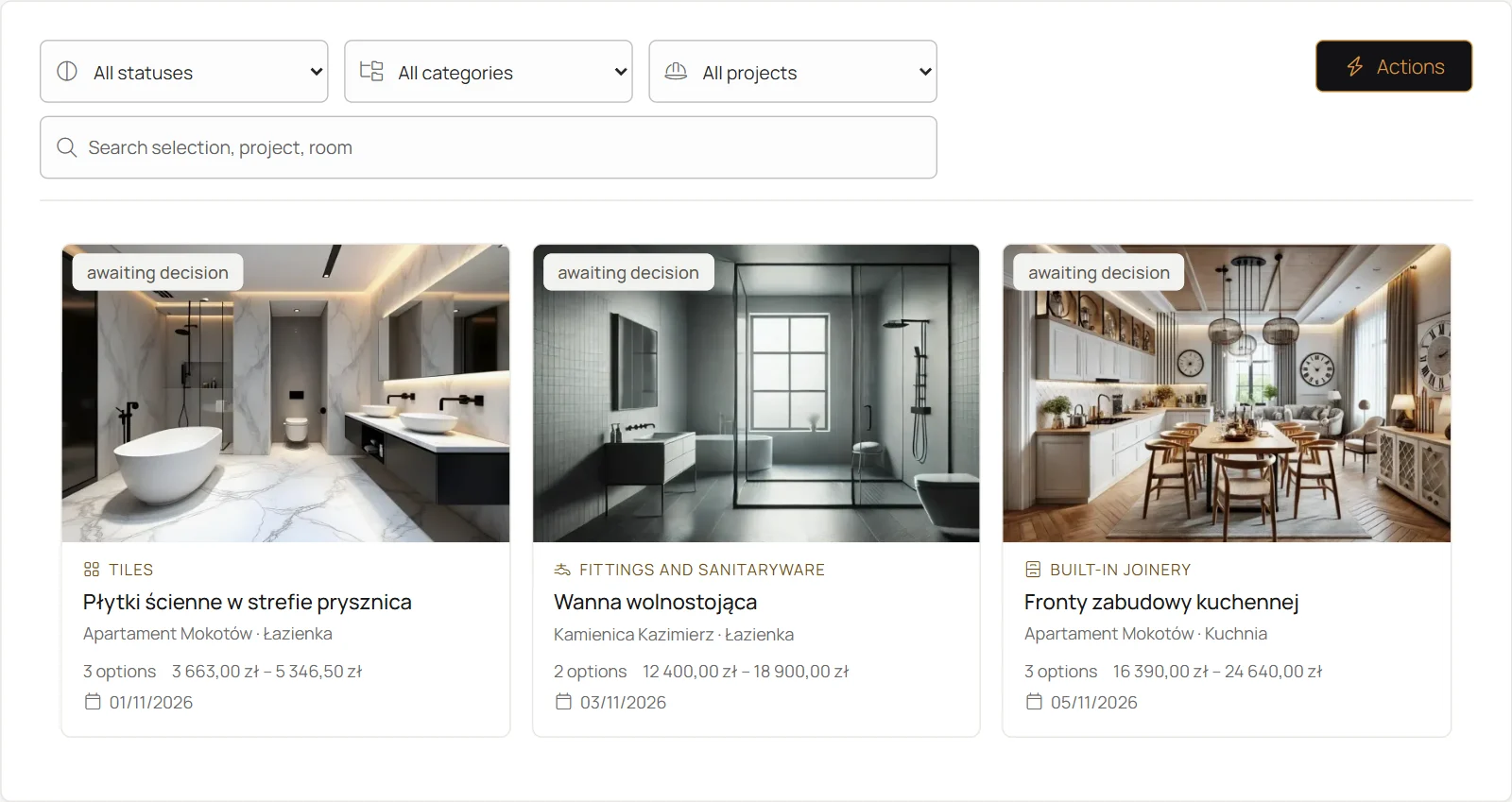
Add a question, two or three options with price and delivery time, and your recommendation. The client will reply in the portal.
The decision stays with the project and the room.